
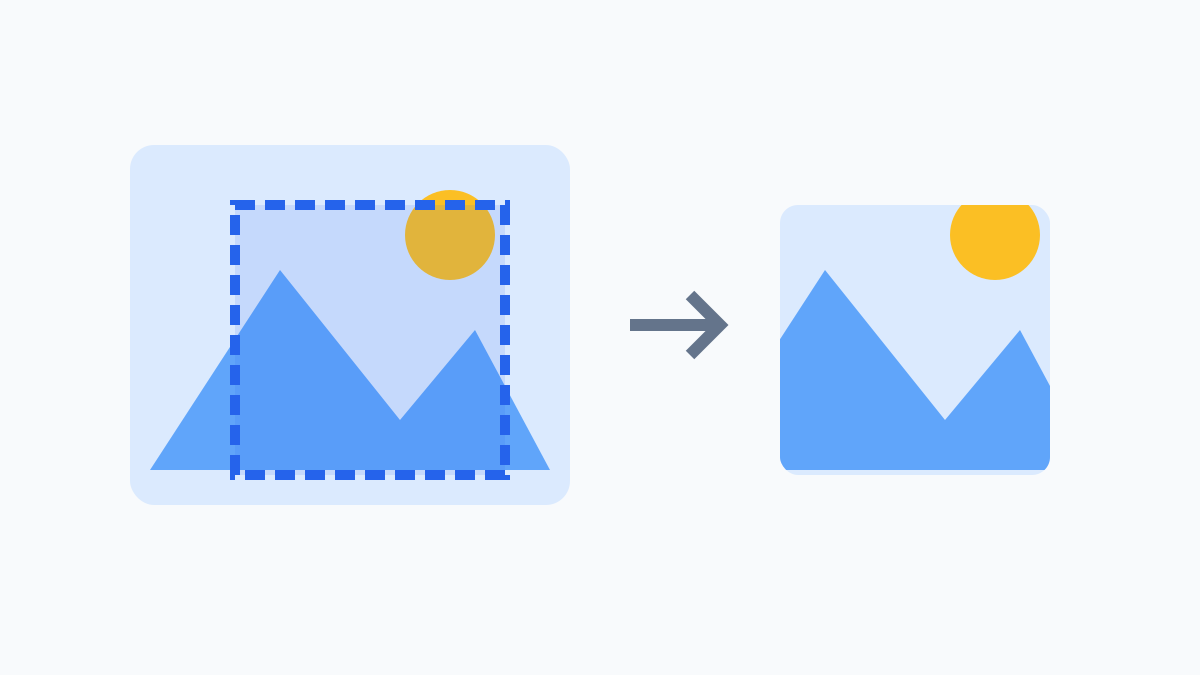
Save the part of a photo you need
Use image cropping to remove empty borders or save a specific part of a photo. Choose a file, drag inside the selection to move it, and drag corner or edge handles to resize it. The left and top offsets, width and height update together with the selection; you can also edit the numbers for precise control. Check the composition, then crop. Download the result as PNG; the original file stays unchanged.
Focus the selection or a handle and use arrow keys for 1 px steps, or Shift and arrow keys for 10 px. During a drag, Esc restores the area from before the drag. Movement and resizing stay inside the image, and width and height cannot fall below 1 px.
Pixel coordinates and aspect ratios
Square, 4:3, 3:4, 16:9 and 9:16 presets select the largest centered area for that ratio. For an 800×600 photo, a square crop uses left 100, top 0, width 600 and height 600. You can then edit every value freely; the ratio is not locked. Offsets must be nonnegative integers, dimensions must be positive integers, and the entire area must fit inside the photo.
Supported files and checking output
Supports one JPG, PNG or WebP file up to 20 MB, 8,192 px per side and 24 million pixels. Output is limited to 50 MB. Only the first animation frame is used and original metadata is not retained. Your browser needs Worker and OffscreenCanvas support. Compare the source and output and check the saved file’s composition and dimensions.