
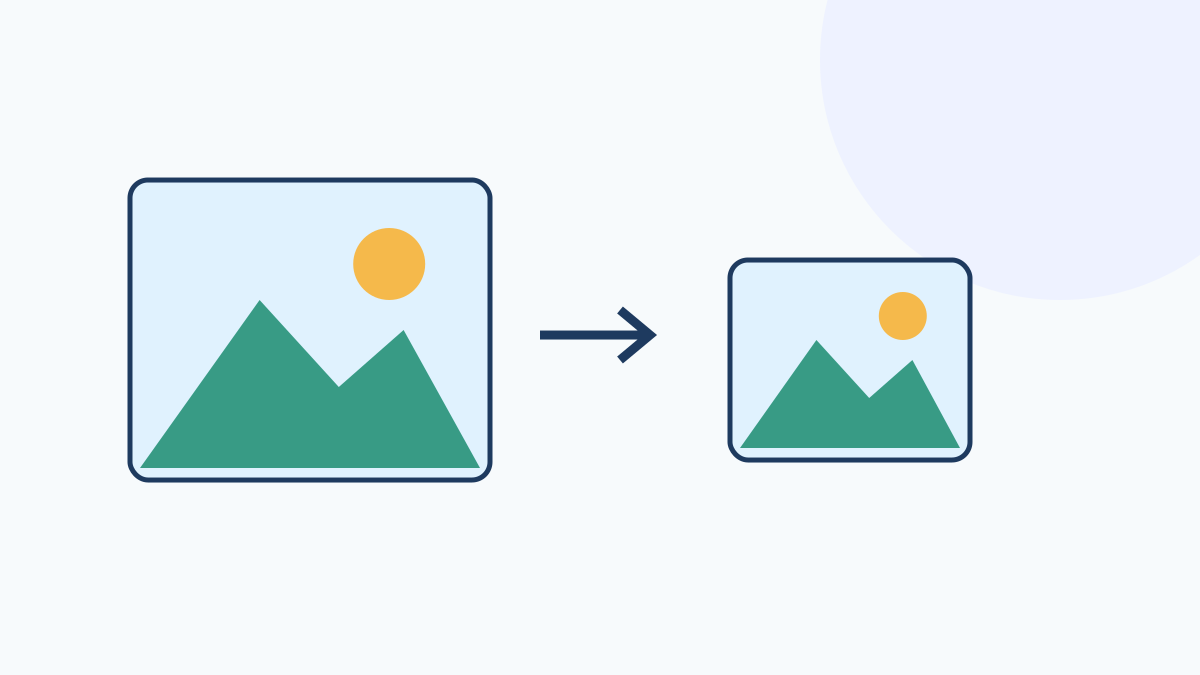
Meet size and pixel limits
Choose images and enter a target file size in KB and maximum width and height. The aspect ratio is retained and the output is never larger in pixels than the original. One KB means 1,024 bytes. Choose JPG, PNG or WebP as the output format; JPG is the default and fills transparent areas with white. For JPG and WebP output, quality is adjusted first and pixel dimensions are reduced only if needed; for PNG output, pixel dimensions are reduced. With several images, any file that cannot reach the target file size gets no result; a warning lists those file names, and the results for the other files are still provided. If no file reaches the target, an error is shown.
Results show the actual dimensions and the file size change from original to output as a percentage, plus a total when there are several images. Every image is re-encoded, so even if the original is already under the target, the result can be larger than the original; the increase is shown as a percentage. Compare the original and output side by side and open the output to inspect it at full size. Download individual files or all results in a ZIP archive.
Supported files and limits
Input supports JPG, PNG and WebP, up to 20 MB per file and 12 files, with at most 8,192 px per side and 24 million pixels. Output has the same pixel limits. Only the first animation frame is processed; metadata is not retained. HEIC, SVG and GIF are unsupported. Worker and OffscreenCanvas browser support is required. The output is not guaranteed to meet passport, ID photo or institutional submission requirements.
The combined input limit is 50 MB and 24 million pixels. Output files are limited to 50 MB in total. The entire input size and pixel count are checked before decoding.