
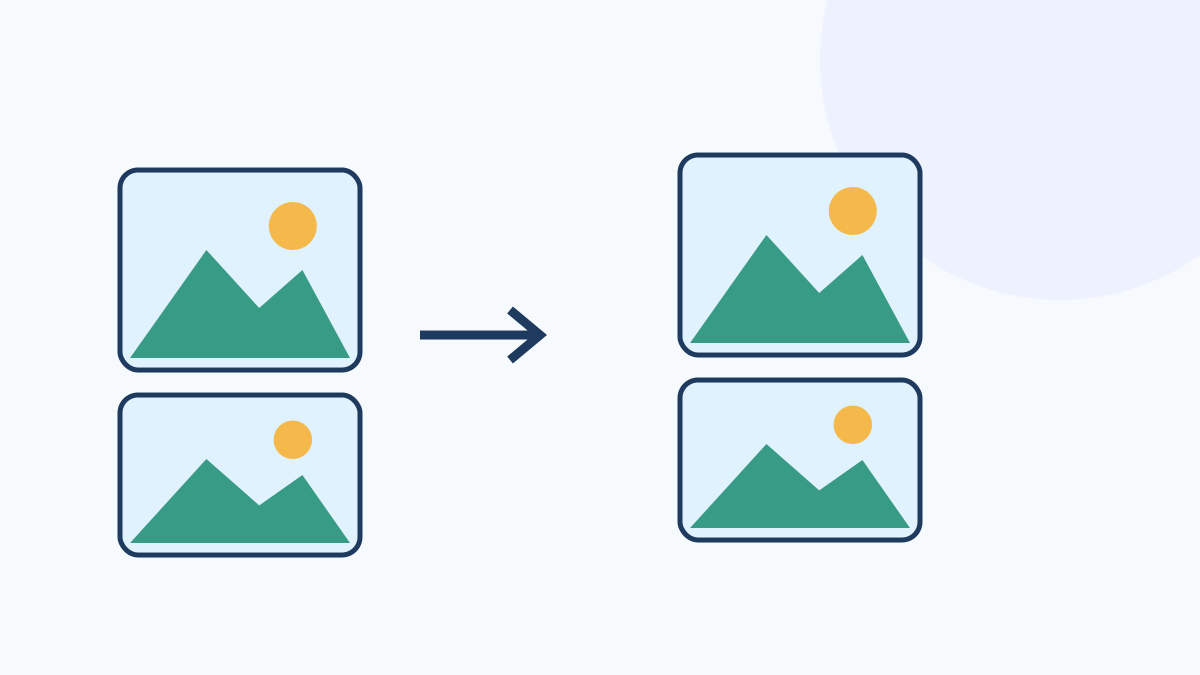
Set the order and layout, then combine images
Select up to 12 images and use the up and down buttons to change their order. Choose vertical, horizontal or grid layout, a gap from 0 to 200 px and 1 to 6 grid columns. Each image is centered in a cell sized to the largest source width and height, without stretching or cropping.
Different source sizes leave blank space inside cells. Choose a white or transparent background; JPG always uses white. If the combined result exceeds an 8,192 px side or 24 million pixels, processing fails. Use smaller source images or another layout.
Supported files and limits
Input supports JPG, PNG and WebP, up to 20 MB per file and 12 files, with at most 8,192 px per side and 24 million pixels. Output has the same pixel limits. Only the first animation frame is processed; metadata is not retained. HEIC, SVG and GIF are unsupported. Worker and OffscreenCanvas browser support is required. The output is not guaranteed to meet passport, ID photo or institutional submission requirements.
The combined input limit is 50 MB and 24 million pixels. Output files are limited to 50 MB in total. The entire input size and pixel count are checked before decoding.