
How to use
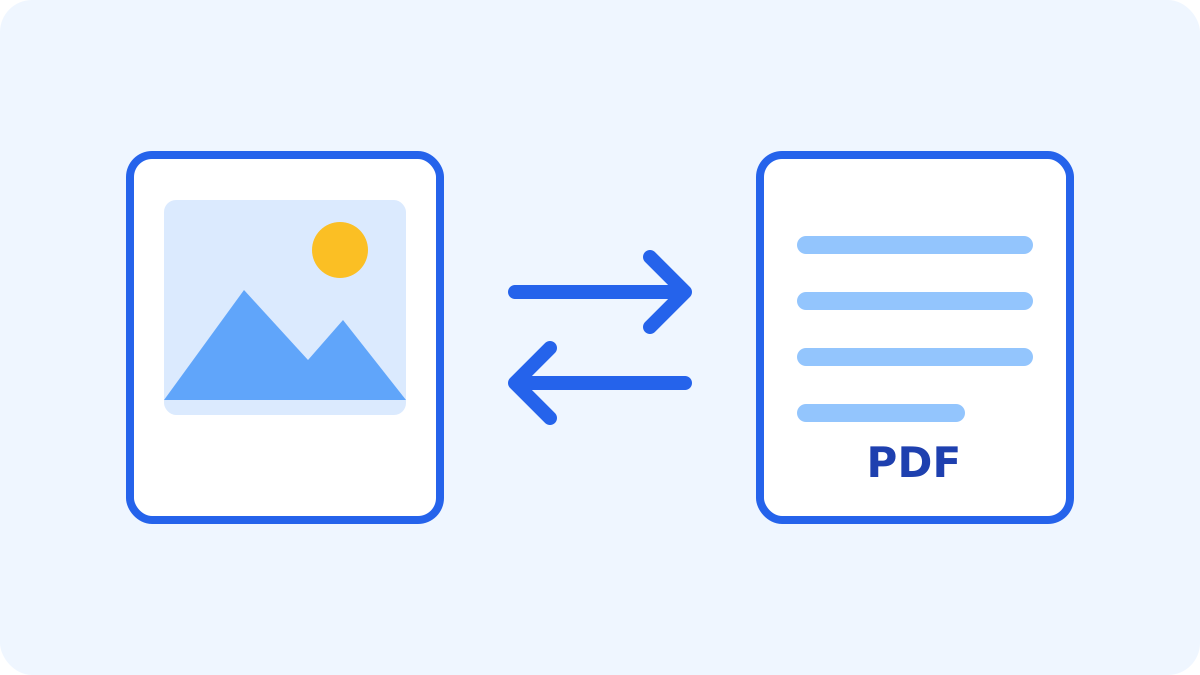
Choose up to 20 JPG, PNG or WebP images. Use the arrow buttons to set the page order. Each image becomes one PDF page, sized to match its image with no margins, so the image’s orientation is kept. In PDF → images mode, choose one PDF and PNG or JPG output. Review each resulting page and download the files individually.
Conversion rules and limits
The combined input limit is 50 MB and PDFs may contain up to 20 pages. Each image is limited to 20 MB, 16 million pixels and 8,192 px on its longest side. PDF creation converts images to JPG on a white background, so transparency and original compressed data are not preserved. Images from PDF pages are rendered at up to 2× the page’s original size, scaled down so the longest side stays within 4,096 px and the total within 16 million pixels. Text selection, links, forms and annotation editing are not available.
Output files are limited to 50 MB in total. Result previews appear only in PDF → images mode, as thumbnails with a longest side of up to 480 px; downloaded files use the output resolution described above.
Non-embedded Helvetica-family fonts may be replaced with system fonts.