
Six calculations
Each of the six cards answers a different question. Fill in the two fields in a card to see its answer.
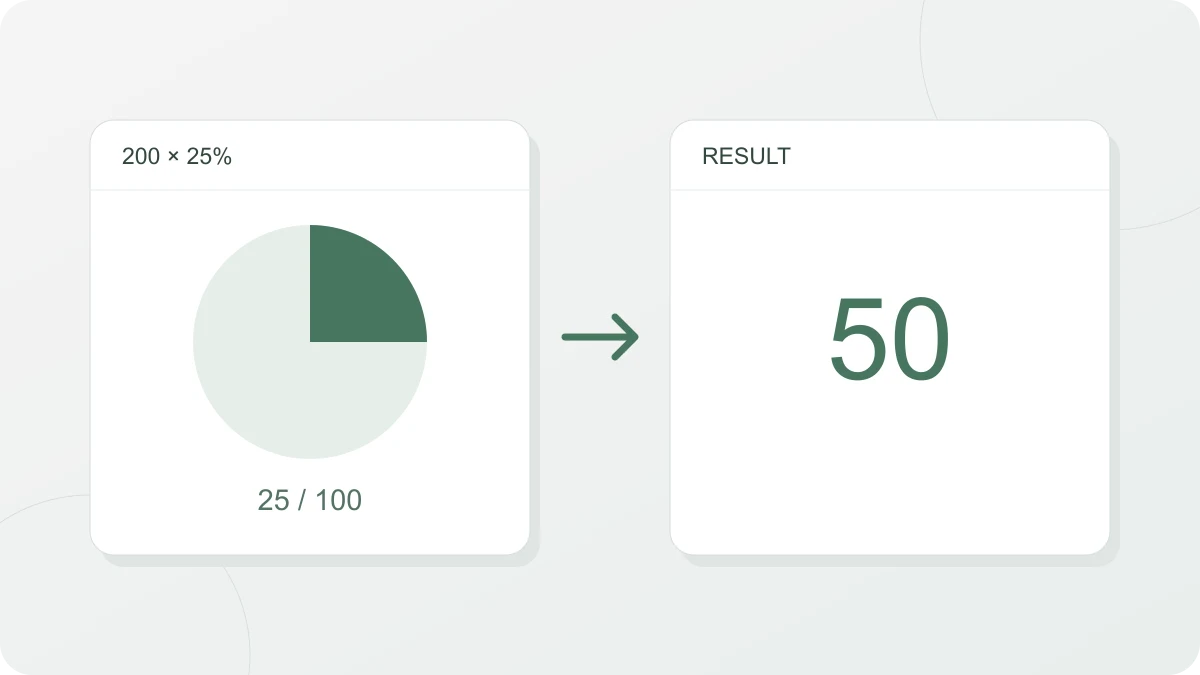
- What is X% of a number? Number × percent ÷ 100. 15% of 200 is 30. Use it for any amount set as a rate, such as a fee, a tax or a tip.
- What percent is one number of another? Part ÷ whole × 100. 30 is 15% of 200. Use it for a market share, progress toward a target or a share of the vote.
- Percentage change (up or down) (New value − old value) ÷ absolute value of the old value × 100. Going from 80 to 100 is a 25% increase. Use it for a price rise, sales growth or a return on an investment. This tool uses the absolute value in the denominator so a negative starting value does not reverse the direction of change.
- Increase or decrease by X% Value × (1 ± percent ÷ 100). 50,000 increased by 10% is 55,000, and decreased by 10% it is 45,000. Use it for a sale price or a price after a markup.
Typing numbers and reading results
- Input: numbers with thousands separators (1,250,000), decimals and negative numbers all work as typed. The percent blank already has a % next to it, so type only the number.
- Decimal places: a result that is a value is rounded to four decimal places, and a result that is a percentage to two. For example, 1 is 33.33% of 3.
- Percentage change: on screen the direction is spelled out, as in “25% increase”, “20% decrease” or “no change”. The copy button gives you a signed number instead, such as “-20%”, which you can paste straight into a spreadsheet.
- Increase or decrease: the “Increased” and “Decreased” lines always appear together, and copying puts both on one line, as in “Increased: 70,800 / Decreased: 47,200”.
- Dividing by zero: when the whole is 0 you see “Can’t calculate when the whole is 0” in place of an answer, and when the old value is 0 you see “Can’t calculate when the old value is 0”.
Worked examples
- What is X% of a number? 8% of a budget of 1,250,000 is 1,250,000 × 8 ÷ 100 = 100,000.
- What percent is one number of another? If you’ve reached 900 against a target of 1,200, that’s 900 ÷ 1,200 × 100 = 75%. When the part is bigger than the whole the answer goes over 100%, so 1,500 gives 125%.
- Percentage change: a value that was 12,500 and is now 10,000 changed by (10,000 − 12,500) ÷ 12,500 × 100 = −20%, a 20% decrease.
- Increase or decrease by X% Enter 59,000 and 20 and you get “Increased: 70,800” and “Decreased: 47,200”. The price after 20% off is the “Decreased” line, and the price after a 20% rise is the “Increased” line.
Working backwards: discount rate and original price
Enter the original and sale prices in the discount card: (original − sale) ÷ original × 100. Prices of 59,000 and 47,200 give a 20% discount. A sale price above the original gives a negative result, meaning a markup. The original must be positive and the sale price nonnegative.
Enter the sale price and discount in the original-price card. The formula is sale price ÷ (1 − discount ÷ 100); 47,200 and 20 give 59,000. The discount must be at least 0 and below 100, and the sale price nonnegative. A 100% discount cannot identify a unique original price. For a price before a markup, calculate the new price ÷ (1 + markup ÷ 100) separately.
Adding 20% back onto the sale price is the wrong way to do it. 47,200 increased by 20% is 56,640, which falls short of the 59,000 list price.
Common mistakes
- Adding up back-to-back discounts: 20% off followed by another 10% off is not 30% off. The price goes 100,000 → 80,000 → 72,000, which is 28% off in total. Enter 100,000 and 72,000 in the percentage change card and it shows a 28% decrease.
- Switching the base: 100 is 25% more than 80, but 80 is 20% less than 100. This tool divides by the absolute value of the old value, so the answer depends on which number you put in the old value blank.
- Assuming a rise of the same size cancels a fall: a value that dropped 50% has to rise 100% to get back to where it started. Enter 50 and 100 in the percentage change card and it shows a 100% increase. By the same logic, 100 that goes up 10% and then down 10% ends at 99, not 100.