
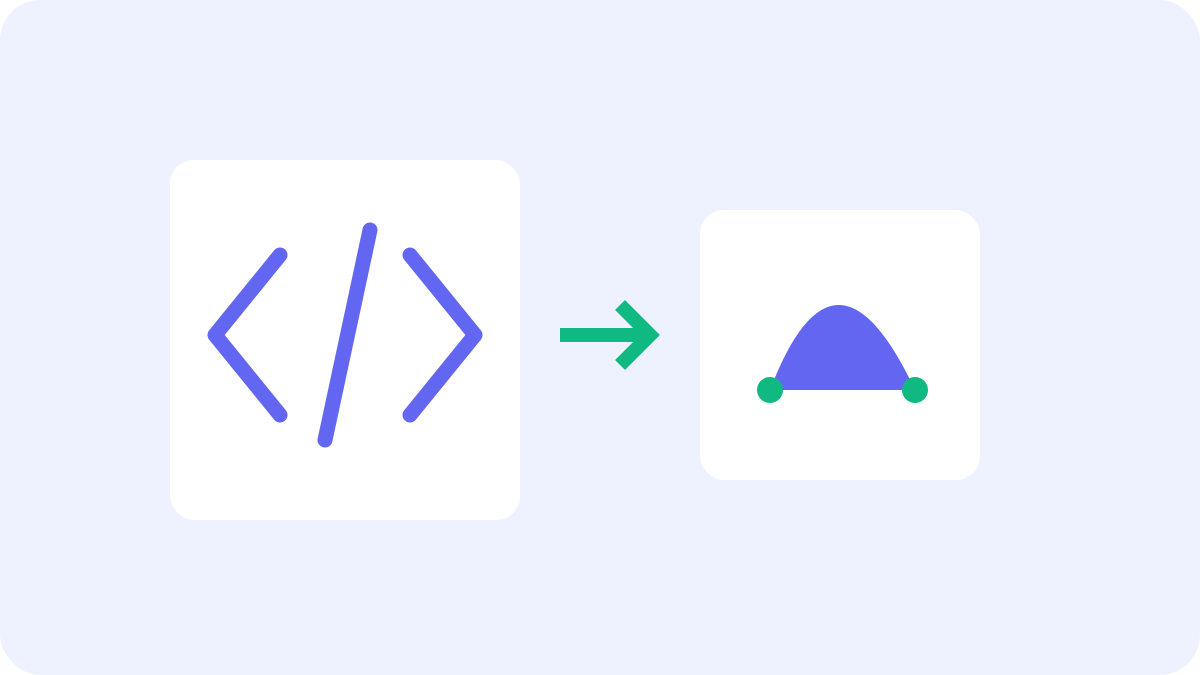
Clean and save SVG code
Open a UTF-8 SVG file or paste its code, then select Optimize SVG. Compare original and output byte sizes, inspect the image and code, and download the SVG. The limits are 800 KB per file and 200,000 characters of code.
What gets optimized
Comments and XML declarations are removed and the browser XML serializer cleans the markup. The metadata option also removes metadata elements and Inkscape/Sodipodi editor attributes. Path coordinates, IDs, viewBox and text whitespace are preserved. Paths are not merged and coordinates are not rounded.
Supported content and review
Scripts, style elements, animation, image elements (image and feImage), external references and elements in foreign namespaces are unsupported. Use self-contained static SVG with individual style attributes or safe inline styles. Output may not be smaller than the original. Check the image at its intended size and against its intended background.