Skip to content

Unix Timestamp Converter

Convert Unix timestamps to dates and back. Detects seconds, ms, µs and ns, shows ISO 8601 in any time zone, plus the current epoch time.

Current Unix time

  • Seconds (s)
  • Milliseconds (ms)

Auto guesses from the number of digits (10 = seconds, 13 = milliseconds).

Result

Enter a timestamp to see it as a date and time.

e.g. 1700000000 → November 14, 2023, 22:13:20 UTC

What you enter is processed only in this browser and is never sent to a server. How it works

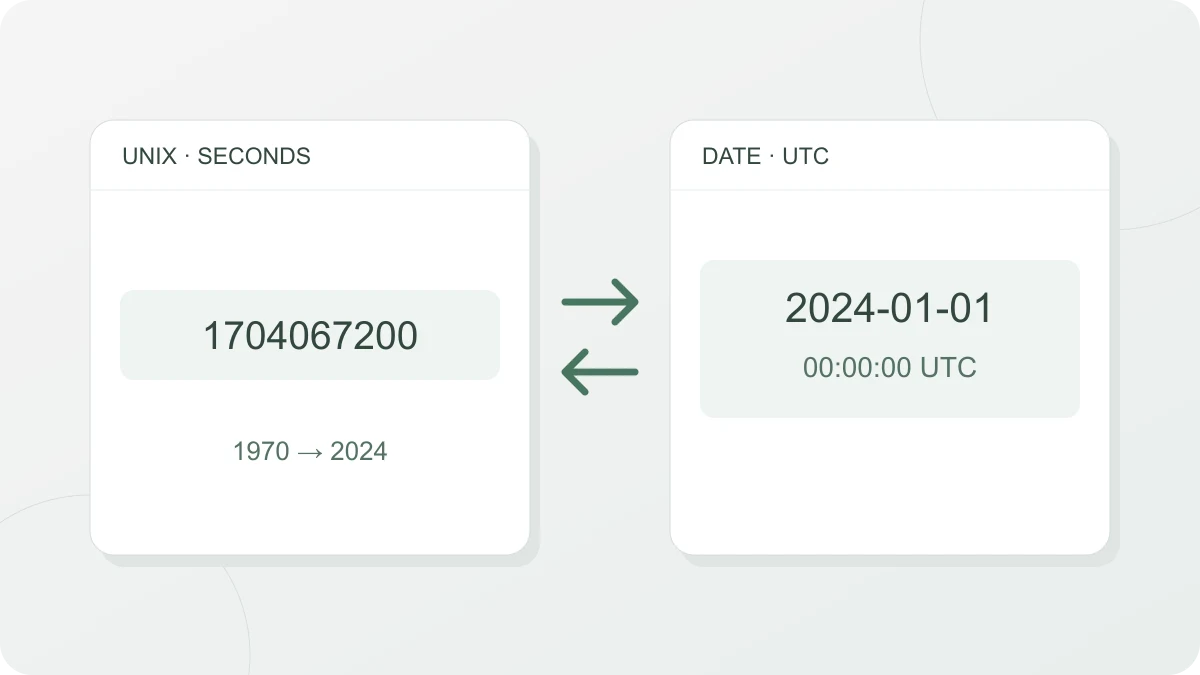
Unix timestamp 1704067200 seconds converted to 2024-01-01 at 00:00:00 UTC

How to use it

At the top you’ll see the current Unix time in seconds and milliseconds, updated every second. Use the copy button next to each value to copy it.

On the Timestamp → date tab, paste a number to see the date, weekday and time in the time zone you pick, plus how long ago (or from now) that is. Below that you see the detected unit and the value in seconds and milliseconds, then ISO 8601 (UTC and your chosen time zone) and the HTTP date format (RFC 9110), each with a copy button. If the time zone you chose differs from your device’s, your device time is shown as well, and the HTTP date only appears for years 0–9999. The time zone list includes every IANA time zone your browser knows (Asia/Seoul, Europe/Berlin and so on), and your device’s time zone is selected at first. The current time and time zone are read from your device’s clock and browser settings.

On the Date → timestamp tab, enter a date and time (down to the second), pick the time zone it belongs to, and you get the timestamp in seconds and milliseconds.

What Unix time is

Unix time (also called epoch time or POSIX time) is the number of seconds since 1970-01-01T00:00:00Z (UTC). The POSIX standard defines it as “Seconds Since the Epoch” and always counts a day as 86,400 seconds. So leap seconds are not counted — a day with a leap second is still 86,400 seconds in Unix time. That keeps date math simple, but it means Unix time differs from the real number of elapsed seconds by the number of leap seconds. It shows in this tool too: a leap-second time (23:59:60) never appears. When you turn a timestamp into a date, the seconds are always 0–59, and the Date → timestamp tab doesn’t accept 60 seconds.

A timestamp points to one moment, so it doesn’t depend on the time zone. The same moment has the same timestamp in Seoul and in New York; you only need a time zone to turn it into a wall-clock time. Change the time zone on the Timestamp → date tab and the date and time and the ISO 8601 line for that time zone change, while the seconds and milliseconds values, ISO 8601 (UTC) and the HTTP date stay the same. On the Date → timestamp tab it’s the other way round: the same date and time gives a different timestamp when you switch to a time zone with a different UTC offset.

Telling seconds, milliseconds, microseconds and nanoseconds apart

The same moment has a different number of digits depending on the unit. For times in the 2020s, you’ll usually see:

  • Seconds: 10 digits (1700000000) — Python int(time.time()), PostgreSQL and MySQL functions
  • Milliseconds: 13 digits (1700000000000) — JavaScript Date.now()
  • Microseconds: 16 digits — some databases and logs
  • Nanoseconds: 19 digits — languages and logs that use high-resolution clocks

Auto-detection looks at the number of digits in the integer part, ignoring leading zeros: up to 11 digits is seconds, 12–14 is milliseconds, 15–17 is microseconds, and 18 or more is nanoseconds. For values with fewer digits than usual, such as a time before March 1973 written in milliseconds, pick the unit yourself. Digits below one millisecond (in microsecond and nanosecond values, or written as decimals) are cut off in the date display.

A JavaScript Date can hold 8.64 × 10¹⁵ milliseconds (100 million days, about 270,000 years) on either side of 1970. That’s from -271821-04-20T00:00:00Z to +275760-09-13T00:00:00Z; anything outside that range is reported as a range error.

Getting the current timestamp in code

// JavaScript: seconds (Date.now() is milliseconds)
Math.floor(Date.now() / 1000)
# Python: seconds (time.time() is seconds with a fraction)
import time; int(time.time())
-- PostgreSQL
SELECT EXTRACT(EPOCH FROM now());
-- MySQL
SELECT UNIX_TIMESTAMP();

Time zones and daylight saving time

When you turn a date into a timestamp in a time zone with daylight saving time, there are two special cases. On the day it starts, clocks jump forward, so some times don’t exist (for example, 2026-03-08 02:30 in New York). On the day it ends, the same time happens twice (for example, 2026-11-01 01:30 in New York). For a time that doesn’t exist, this tool uses the offset from before the change, which moves it later; for a time that happens twice, it picks the earlier one. Either way, a note appears above the result.

Sources

Frequently asked questions

Why do I get an error when I paste a number with commas or a value like 1.7e9?

The timestamp field reads only digits, a leading sign (+ or -) and a single decimal point. A value grouped with commas or spaces such as 1,700,000,000, exponent notation such as 1.7e9, a hexadecimal number starting with 0x, a value with letters attached such as 1700000000s, and a decimal comma as in 1700000000,5 all give the "Enter digits only" error. Remove the separators and letters so that only the number is left, like 1700000000. There must be a digit on both sides of the decimal point, so write .5 as 0.5. Spaces before and after the value are ignored, so you can leave them, and a value with leading zeros such as 0001700000000 is read as it is.

What should I check if the date falls in 1970 or thousands of years ahead?

Read a value in the wrong unit and the date is far off. Set Unit to Milliseconds (ms) and enter 1700000000, and you get 1970-01-20T16:13:20Z; set it to Seconds (s) and enter 1700000000000, and you get +055840-11-08T22:13:20Z. If a result lands in January 1970 or tens of thousands of years ahead, switch Unit back to Auto or pick the unit that matches the value. A value with a decimal part such as 1700000000.5 is detected as seconds, because only the digits before the decimal point are counted, and its milliseconds value is 1700000000500.

Can I use negative timestamps?

Yes. Put a minus sign in front of the number and it is converted to a moment before 1970-01-01T00:00:00Z: -86400 is one day earlier, 1969-12-31T00:00:00Z. Auto-detection ignores the sign and counts only the digits, so -1700000000000 is read as milliseconds and becomes 1916-02-18T01:46:40Z. For a negative number with a decimal part, the seconds value is rounded toward the earlier moment, not toward zero: enter -0.5 and Milliseconds shows -500 while Seconds shows -1. The Date → timestamp tab also returns a negative number for dates before 1970: with Time zone set to UTC, 1969-12-31 00:00:00 gives -86400.

The "3 years ago" line under the date doesn't seem to match the real difference between the dates. How is it calculated?

It isn't counted on the calendar: it's an approximation that divides the difference from now by fixed lengths. A difference under 1 minute is shown in seconds, under 1 hour in minutes, under 24 hours in hours, and under 30 days in days. Under 365 days, a month is counted as 30 days; from 365 days on, a year is counted as 365 days, and the remainder is dropped. So 364 days ago shows as "12 months ago", and 1459 days ago, one day short of 4 × 365 days, shows as "3 years ago". For the exact date, read the date and time above it or the ISO 8601 lines.

For an old date such as 1900, the UTC offset shows seconds, like +08:27:52. Is that a bug?

No. This tool doesn't decide the offset itself: it takes the value your browser's time zone data gives for that moment and uses it without rounding. In that data, some time zones have offsets for older periods that aren't a whole number of hours and minutes. For example, set Time zone to Asia/Seoul and enter -2208988800 (1900-01-01T00:00:00Z), and the ISO 8601 (Asia/Seoul) line shows an offset of +08:27:52. The Date → timestamp tab calculates with the same offset, so 1900-01-01 00:00:00 in Asia/Seoul gives -2209019272 (with UTC it gives -2208988800). The result can differ depending on the time zone data in your browser.

Can I convert dates after 2038?

If Unix time is stored in a signed 32-bit integer (on systems where time_t is 32 bits), the largest value is 2147483647. That's 2038-01-19T03:14:07Z, and one second later the value overflows to -2147483648, which is 1901-12-13T20:45:52Z. Modern operating systems with a 64-bit time_t are fine, but old embedded devices and programs that store timestamps in 32-bit integer columns or file fields are still affected. This tool doesn't use 32-bit integers, so it converts values outside this range as they are. On the Timestamp → date tab, if the value works out to a number of seconds outside this range (-2147483648 to 2147483647), the tool tells you below the result. The Date → timestamp tab has no such note, so check for yourself whether the result is within this range.

Last updated: