
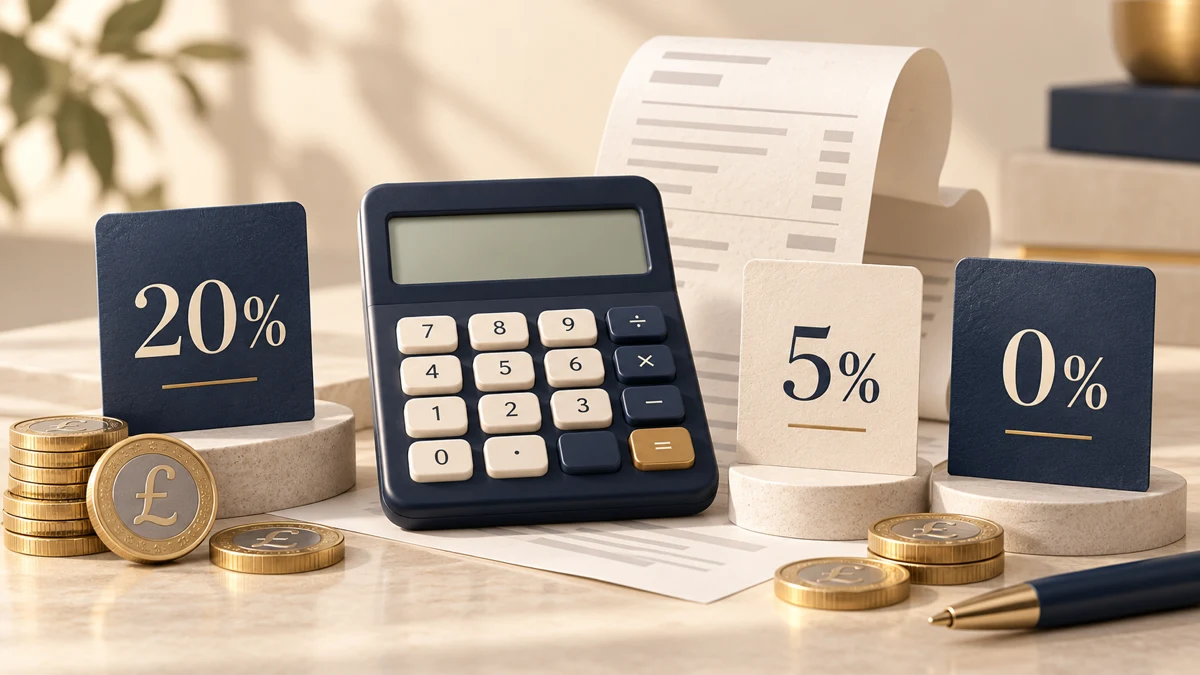
How to use it
Choose Net → Gross (add VAT) or Gross → Net (remove VAT) from the tabs above, then enter the amount in pounds. Pick a rate (20%, 5%, 0%) and you’ll see the net amount, VAT and gross amount, along with the working. When you remove VAT from a gross amount, the working also shows the VAT fraction.
Rates and what they cover
- Standard rate 20% — most goods and services (Value Added Tax Act 1994, section 2)
- Reduced rate 5% — some goods and services, such as children’s car seats and home energy (section 29A, Schedule 7A)
- Zero rate 0% — most food, children’s clothing and more (section 30, Schedule 8)
Postage stamps and most financial and property transactions are VAT-exempt (Schedule 9). For a specific item, check GOV.UK’s guidance on VAT rates for different goods and services.
The formulas and the VAT fraction
- Adding VAT: VAT = net × 20%, gross = net + VAT. A net amount of £100 gives VAT of £20.00 and a gross amount of £120.00.
- Removing VAT: VAT = gross × VAT fraction, net = gross − VAT. The VAT fraction is rate ÷ (100 + rate): 1/6 for 20% VAT and 1/21 for 5% VAT. £120 × 1/6 = £20.00 VAT, leaving a net amount of £100.00. £105 at 5% gives VAT of £5.00 and a net amount of £100.00.
Rounding (to the nearest penny)
This calculator rounds VAT to the nearest penny (0.5p rounds up). The reverse calculation works out VAT first and then net = gross − VAT, so the two figures always add back up to the gross amount. For example, a gross amount of £9.99 gives £9.99 × 1/6 = £1.665 → VAT of £1.67 and a net amount of £8.32.
The invoice-total round-down concession in HMRC VAT Notice 700, section 17.5, is for invoice traders where VAT charged to customers equals VAT paid to HMRC. Separate line-item rules and consistency requirements apply. Section 17.6 allows retailers not using a retail scheme to round up and down when calculating at line or invoice level, rather than always rounding down. Calculation units and rounding methods can therefore produce differences from an actual invoice.